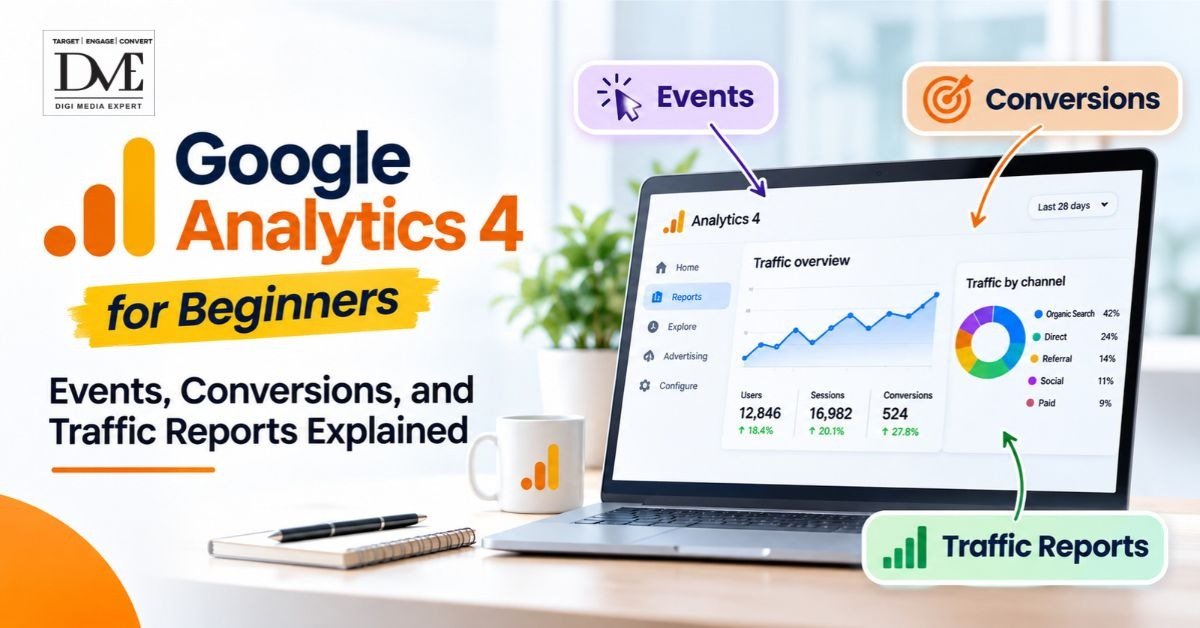
Understanding website traffic is important for every business that wants to grow online. But how can you know whether people visit your website, which pages they like, and what actions they take? This is where Google Analytics 4 (GA4) helps.
Google Analytics 4 is a free analytics tool from Google that helps website owners understand visitor behaviour. Whether you run a small business, manage a website, or are learning digital marketing, GA4 can help you make better decisions using real data.
What Is Google Analytics 4?
Google Analytics 4 is a web analytics platform that tracks how people interact with your website and, if configured, your mobile app. It provides information about visitors, traffic sources, page views, engagement, and important actions.
For example, if you publish a blog, GA4 can help you understand how many people visit it, where they come from, and whether they explore other pages.
Instead of guessing what works, you can use this information to improve your website and marketing strategy.
1. Understanding Events in Google Analytics 4
Events are the foundation of GA4 tracking. An event records an action that a visitor takes on your website.
Common examples include:
- Page view: Someone opens a page on your website.
- Scroll: A visitor scrolls through a page.
- Click: Someone clicks a link or button.
- Form submission: A visitor submits a contact or enquiry form, when tracking is configured.
- Video engagement: A visitor interacts with an eligible embedded video.
GA4 automatically collects certain events, while enhanced measurement can track additional interactions when enabled. Other actions may require custom tracking.
Why are events important?
Events help you understand how visitors interact with your content. For instance, if many people visit your contact page but few submit the enquiry form, you may need to improve the form or make your call to action clearer.
2. What Are Conversions in GA4?
A conversion is an important action that supports your business goals. In GA4, you can designate relevant events as key events to measure valuable interactions.
Examples of important actions include:
- Submitting an enquiry form
- Completing a purchase
- Booking an appointment
- Registering for a course
- Clicking a contact button, when appropriately tracked
Imagine you operate a training institute. Website visits are useful, but knowing how many visitors submit course enquiries gives you a clearer picture of potential leads.
Imagine you operate a training institute. Website visits are useful, but knowing how many visitors submit course enquiries gives you a clearer picture of potential leads.
To measure conversions effectively, identify your business goals first. Then configure the appropriate events and mark the relevant ones as key events in GA4.
Remember that tracking must be configured correctly. A website visit alone does not mean that a visitor has become a customer.
3. How to Understand Traffic Reports
Traffic reports show how visitors reach your website. They help you identify which marketing channels bring people to your pages.
In GA4, the Traffic acquisition report helps you analyse sessions from different sources and channels.
Here are some common traffic sources:
- Organic Search: Visitors arriving through unpaid search engine results.
- Direct: Visits where GA4 cannot identify another source, including some visits with missing referral information.
- Paid Search: Visitors coming through paid search advertisements.
- Organic Social: Traffic from unpaid social media activity.
- Referral: Visitors arriving through links on other websites.
- Email: Traffic attributed to email campaigns when tracking information is available.
You can use these reports to compare marketing channels and identify opportunities for improvement.
For example, if organic search brings consistent traffic, you can review which landing pages perform well and create more useful content around related topics. If paid campaigns generate visits but few enquiries, review your targeting, landing pages, and conversion tracking before changing your budget.
4. How to Get Started With Google Analytics 4
- Create a Google Analytics account.
- Set up a GA4 property for your website.
- Add a web data stream and install the tracking tag, directly or through Google Tag Manager.
- Verify that data is being collected correctly.
- Review your events and configure important key events.
- Explore the Reports section to understand traffic and engagement.
- Review your results regularly and use the findings to improve your website.
Keep in mind that new properties may not show data immediately. Check your tracking setup and allow time for reports to populate.
5. How GA4 Helps Your Digital Marketing Strategy
Google Analytics 4 helps you connect website activity with your marketing goals. It can show which channels attract visitors, which pages receive attention, and which tracked actions support your business objectives.
For businesses investing in Digital Marketing Agency in Kurukshetra services, analytics can support smarter decisions about SEO, paid advertising, content, and website improvements. The key is to review the right metrics instead of focusing only on visitor numbers.
GA4 is also a valuable skill for anyone learning digital marketing because data analysis helps marketers measure results and explain the impact of their work.
Frequently Asked Questions (FAQs)
1. Is Google Analytics 4 free to use?
Yes. The standard version of Google Analytics 4 is free to use and provides essential website analytics features for individuals and businesses.
2. What is the difference between an event and a conversion?
An event records an interaction, such as a page view or button click. A conversion is a valuable action you choose to measure as a business goal, represented by a key event in GA4.
3. How can I check website traffic in GA4?
Open the Reports section and review the Traffic acquisition report. You can explore traffic sources, sessions, and engagement metrics to understand where visitors come from.
4. How long does GA4 take to show website data?
Realtime reports can show activity shortly after tracking starts. Standard reports may take 24–48 hours to process data, depending on the report and setup.
5. Do beginners need coding skills to use GA4?
No. Beginners can use many GA4 reports without coding. However, advanced event tracking or custom implementations may require Google Tag Manager or technical support.
6. Why is GA4 important for digital marketers?
GA4 helps marketers understand audience behaviour, evaluate traffic sources, measure important actions, and make data-informed marketing decisions.
Conclusion: Start Making Better Decisions With GA4
Google Analytics 4 becomes easier to understand when you focus on three essentials: events, conversions, and traffic reports. Together, they help you understand what visitors do, how they discover your website, and which actions contribute to your goals.
Start by checking your traffic sources, reviewing important events, and measuring meaningful actions. As you gain experience, you can use these insights to improve website performance and marketing campaigns.
Want to build practical digital marketing skills?
At Digi Media Expert, you can learn essential digital marketing concepts, analytics, SEO, and campaign measurement through practical training. Explore our digital marketing course in kurukshetra and take the next step towards building your digital marketing career.